Lightroom Masterclass: Nature, Color & Detail

KEEPING NATURE TOURS

KEEPING NATURE TOURS

Lightroom Masterclass: Nature, Color & Detail

Living Photography: The Art of Digital Photo Editing

Lightroom Masterclass: Nature, Color & Detail

Living Photography: The Art of Digital Photo Editing

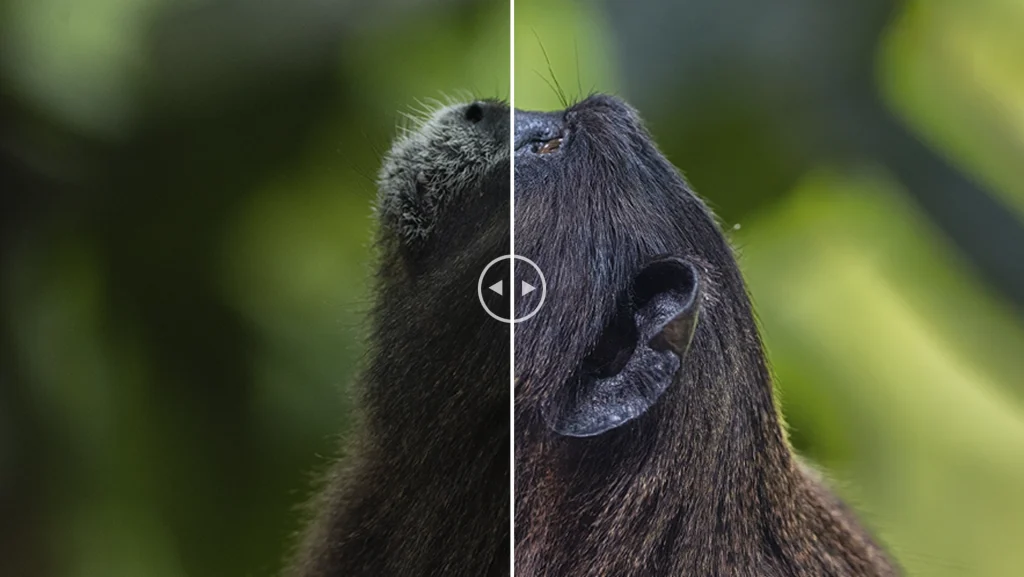
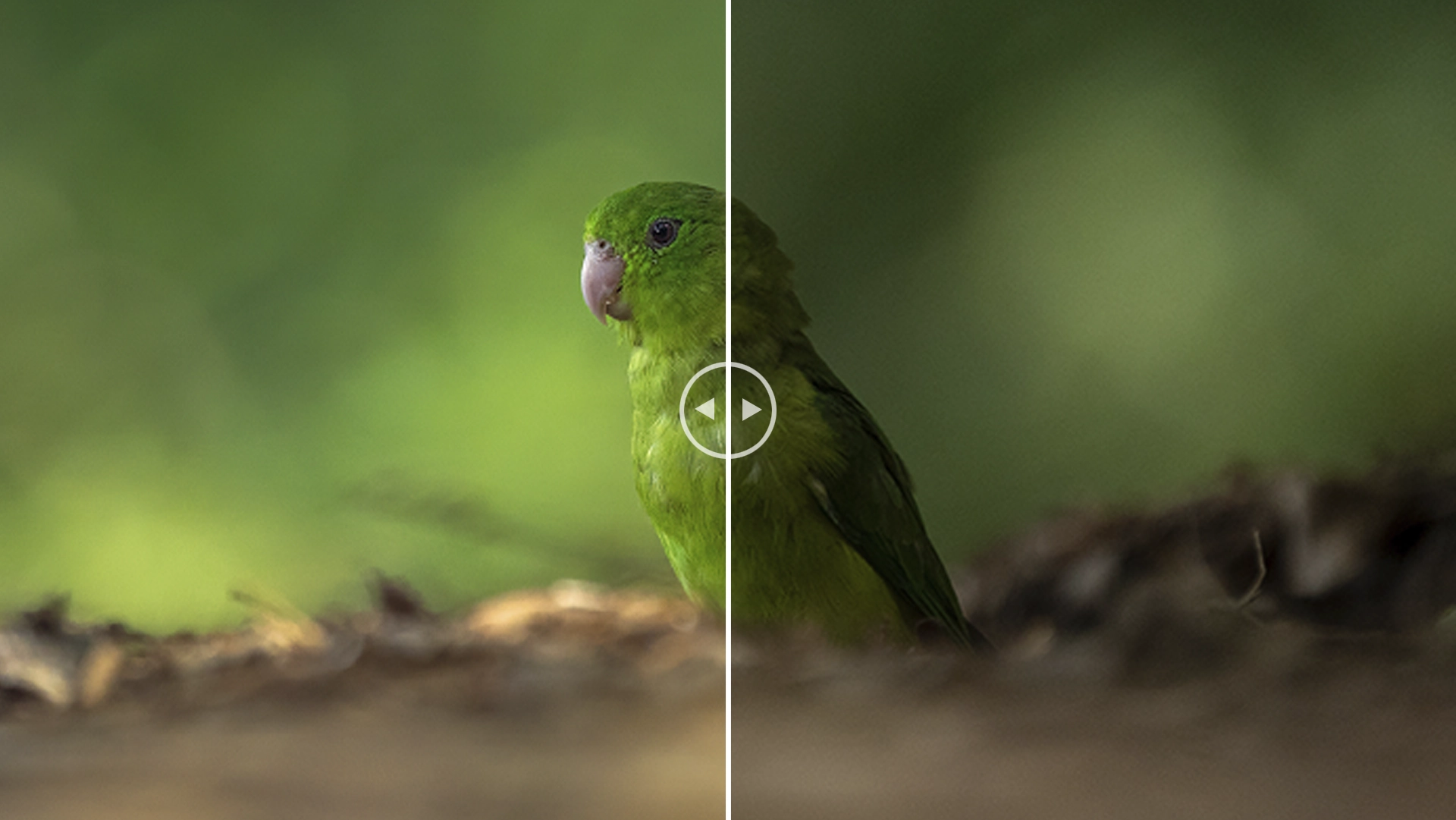
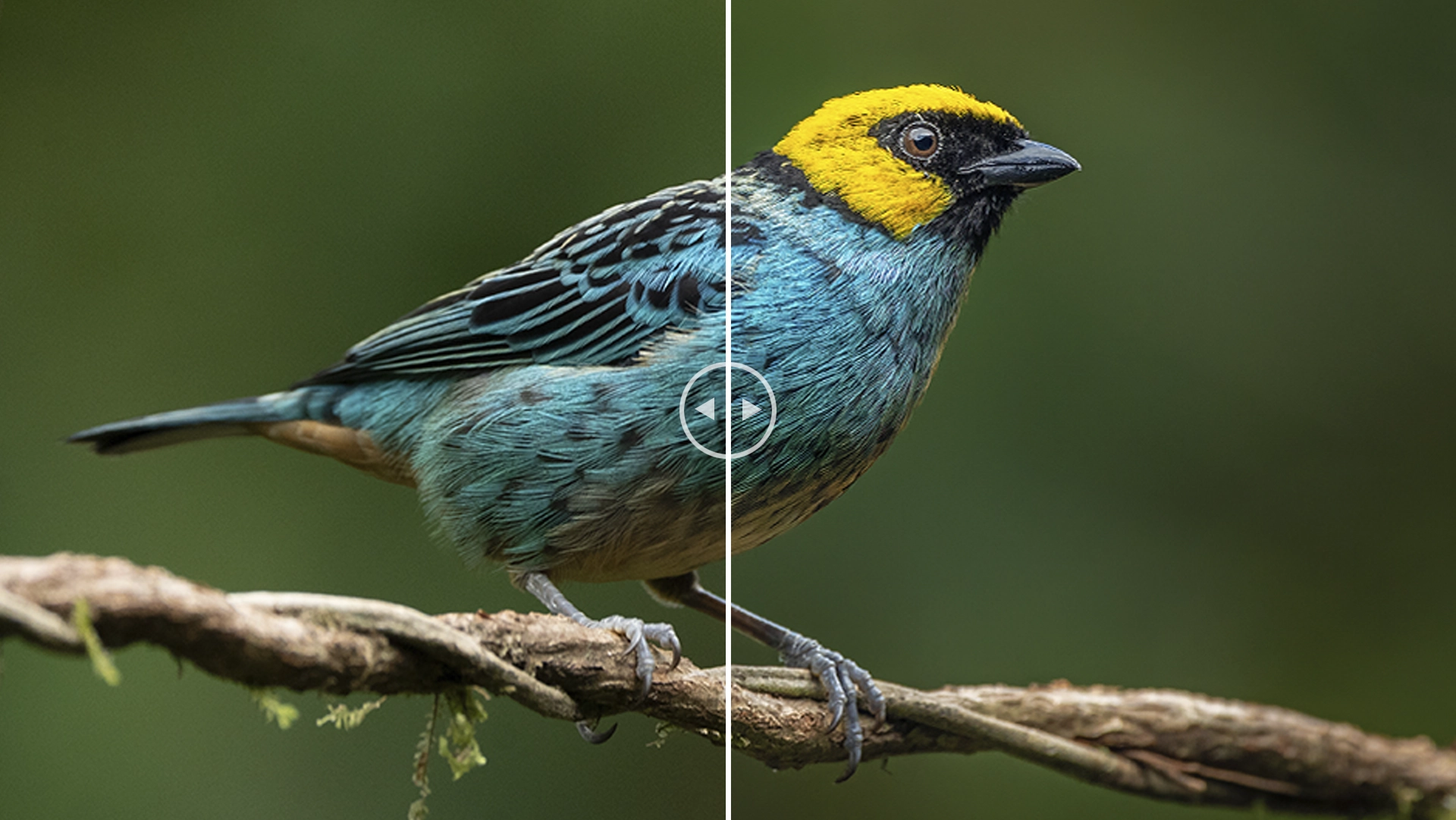
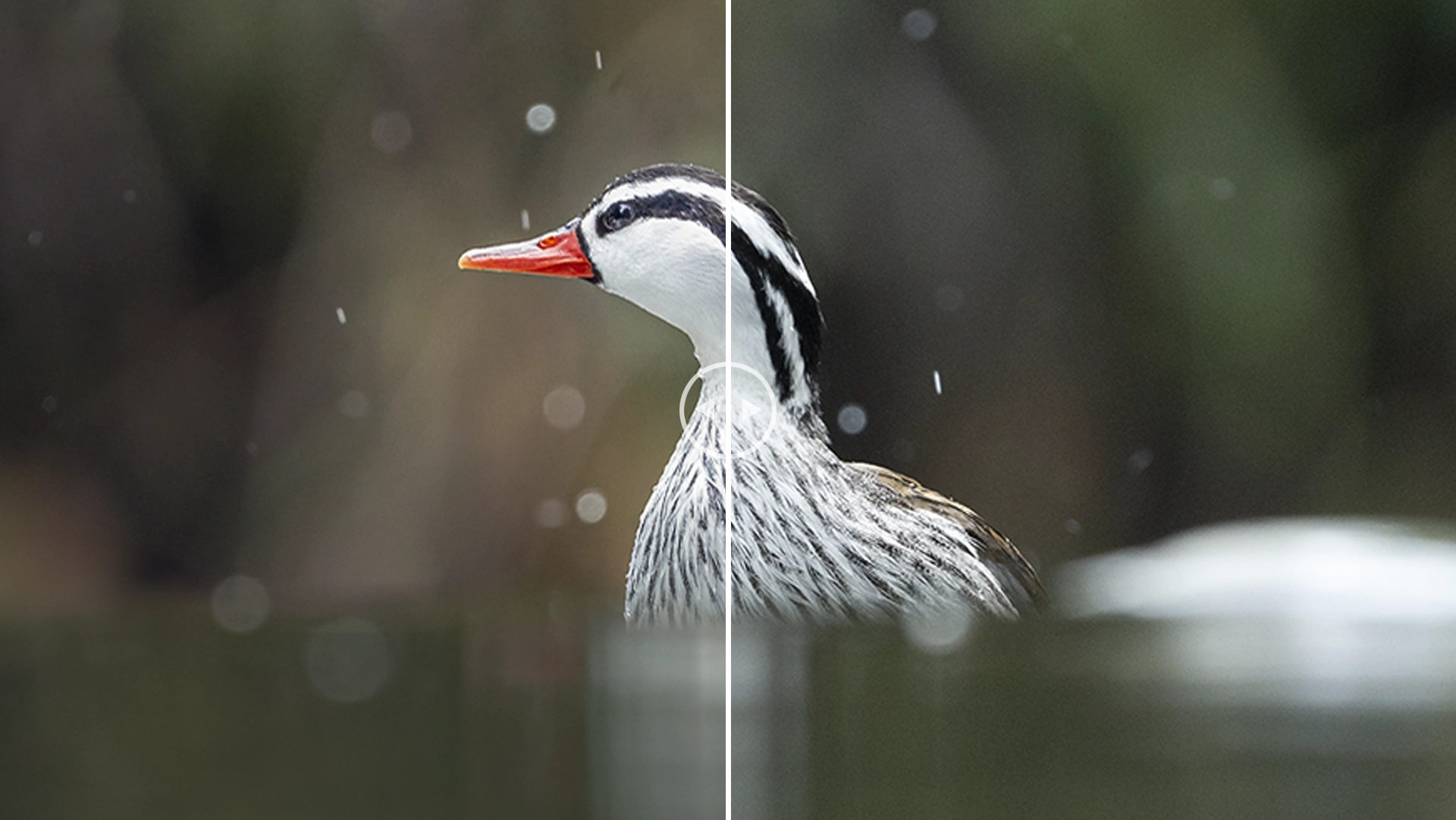
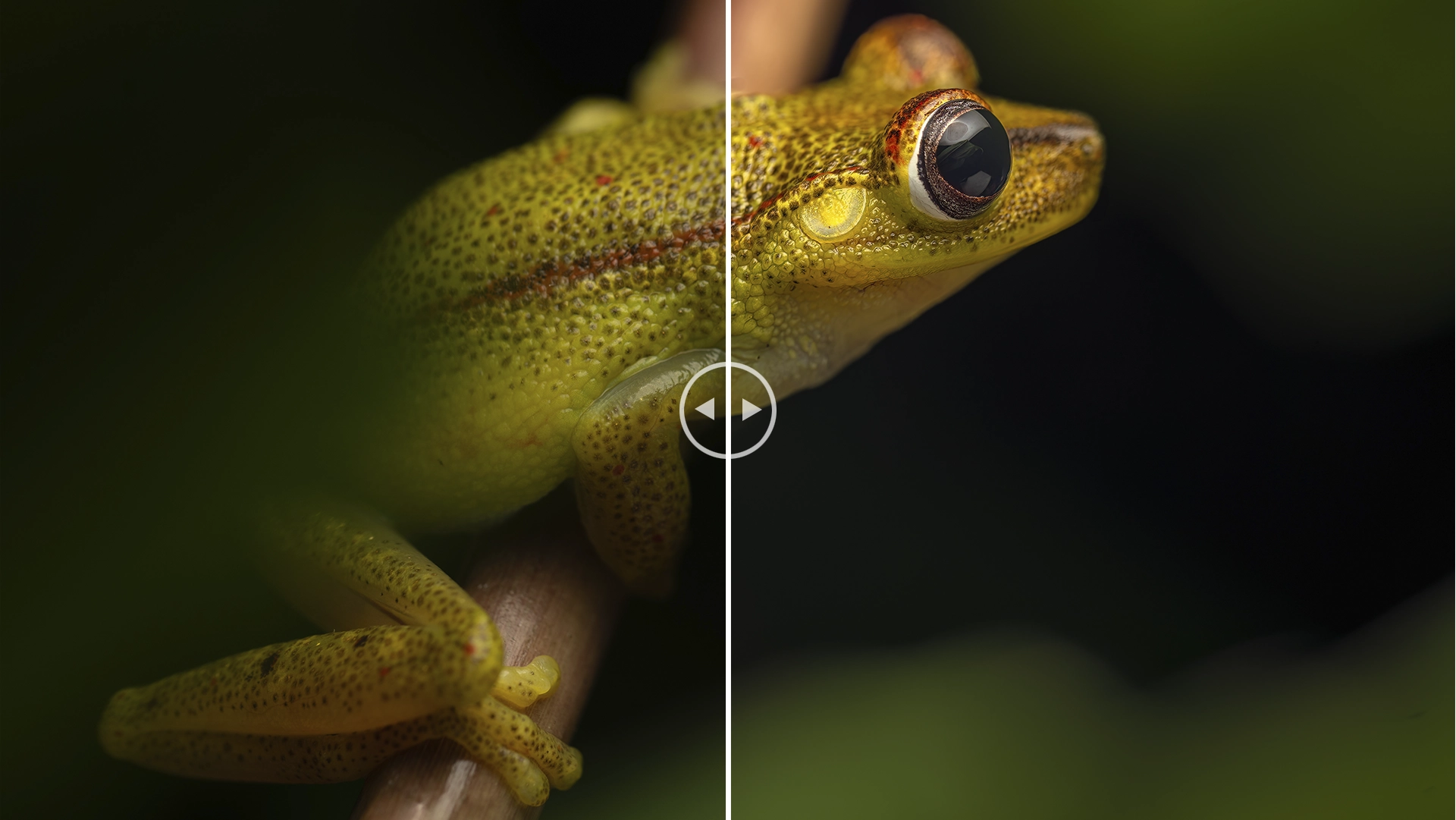
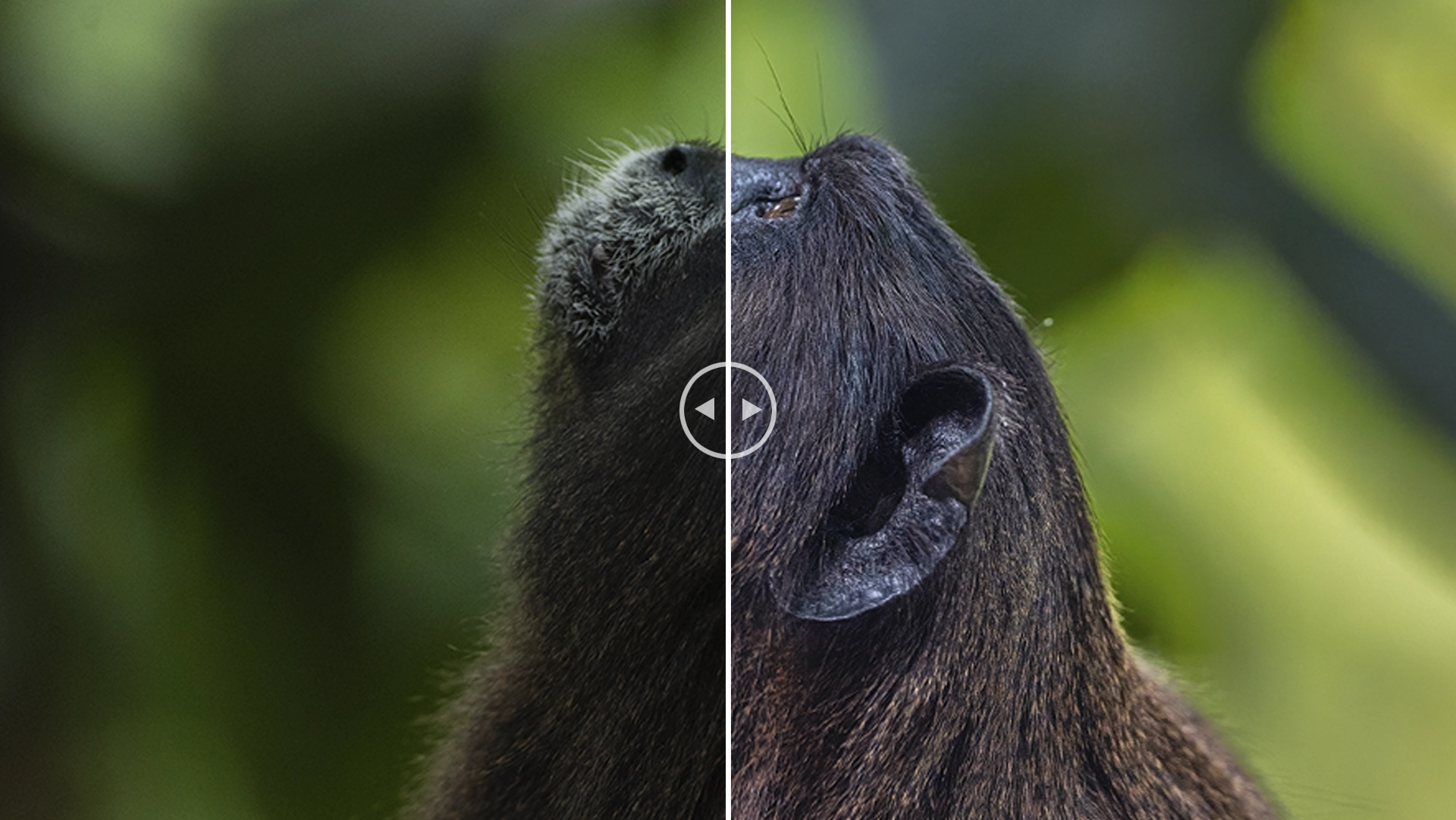
Discover the art of digital photo editing in a focused and creative environment designed to enhance your workflow and elevate your visual storytelling. This one-day intensive workshop in Cali will guide you through the full process of editing in Lightroom, helping you transform your RAW files into powerful, polished images.

Throughout the 8-hour experience, you’ll learn everything from essential editing foundations to advanced tools for color, light, detail, and selective adjustments. Explore techniques to organize your library, build efficient workflows, and give your photographs the depth, mood, and consistency that define professional nature imagery. Hands-on practice sessions ensure that each concept becomes part of your real-world editing toolkit.

Guided by expert instruction and surrounded by a space that fosters creativity and focus, this workshop offers an immersive experience for photographers looking to refine their craft. It’s an ideal opportunity to connect with fellow creators, sharpen your artistic vision, and bring your images to life with clarity, color, and intention.

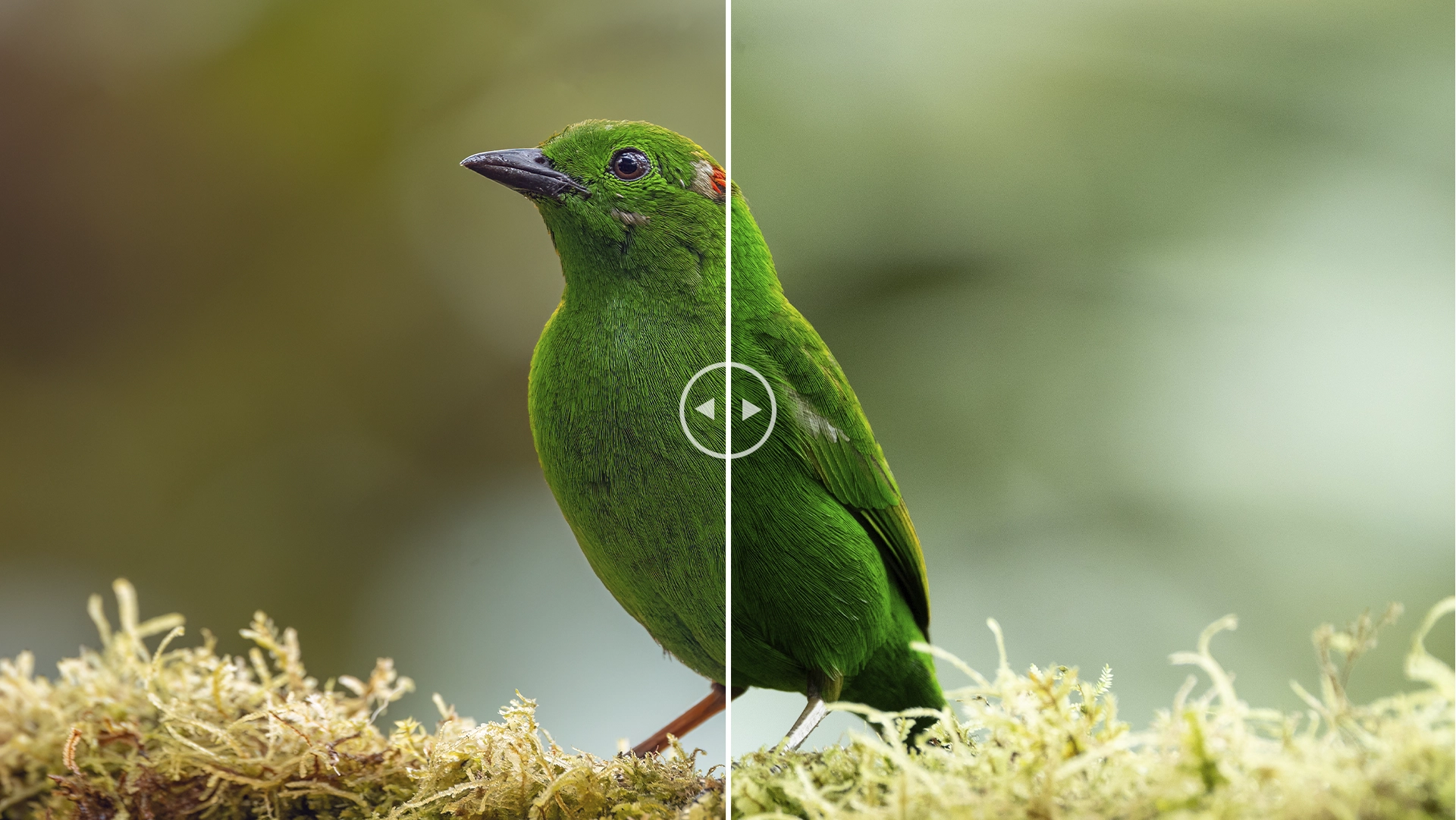
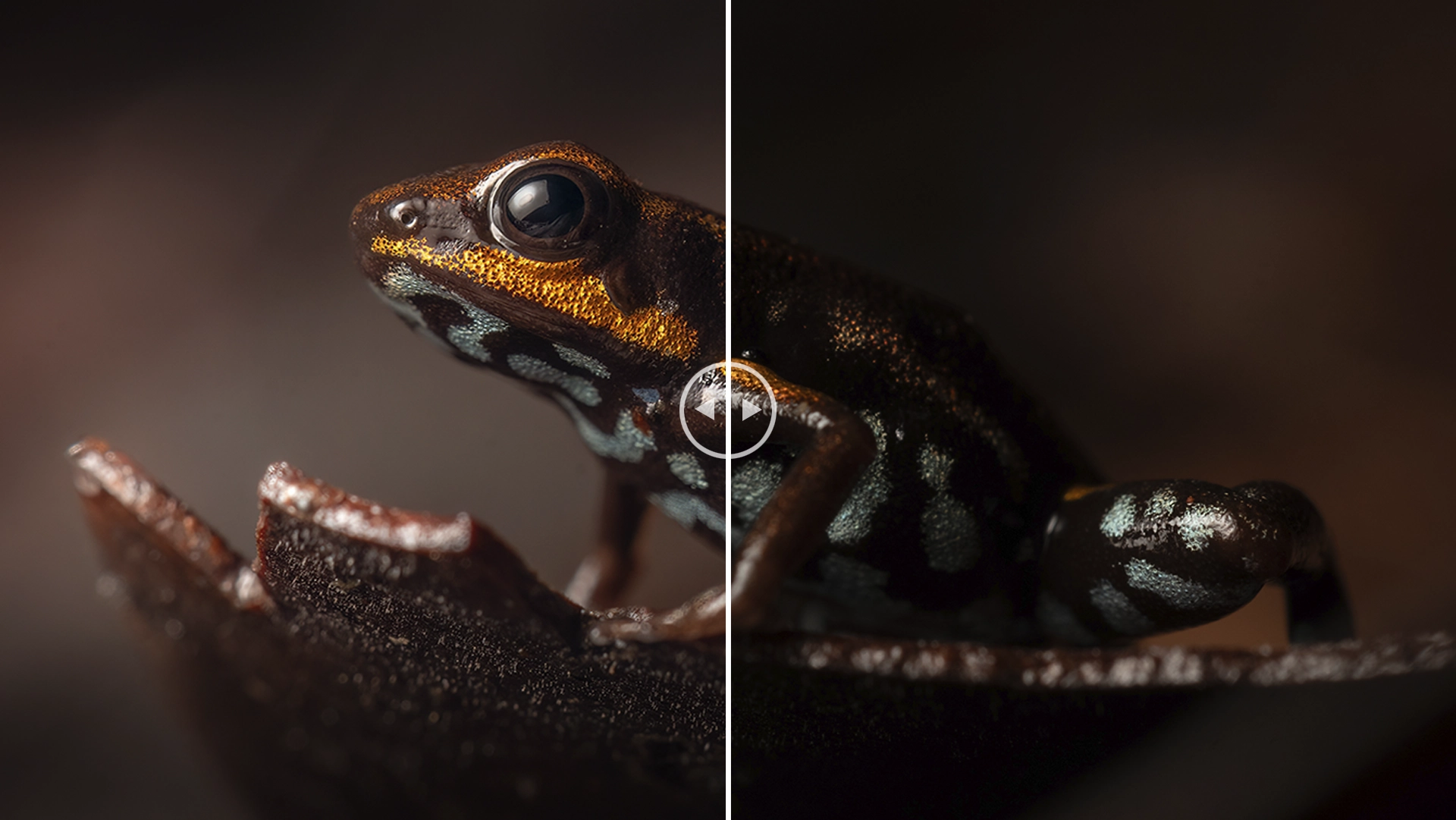
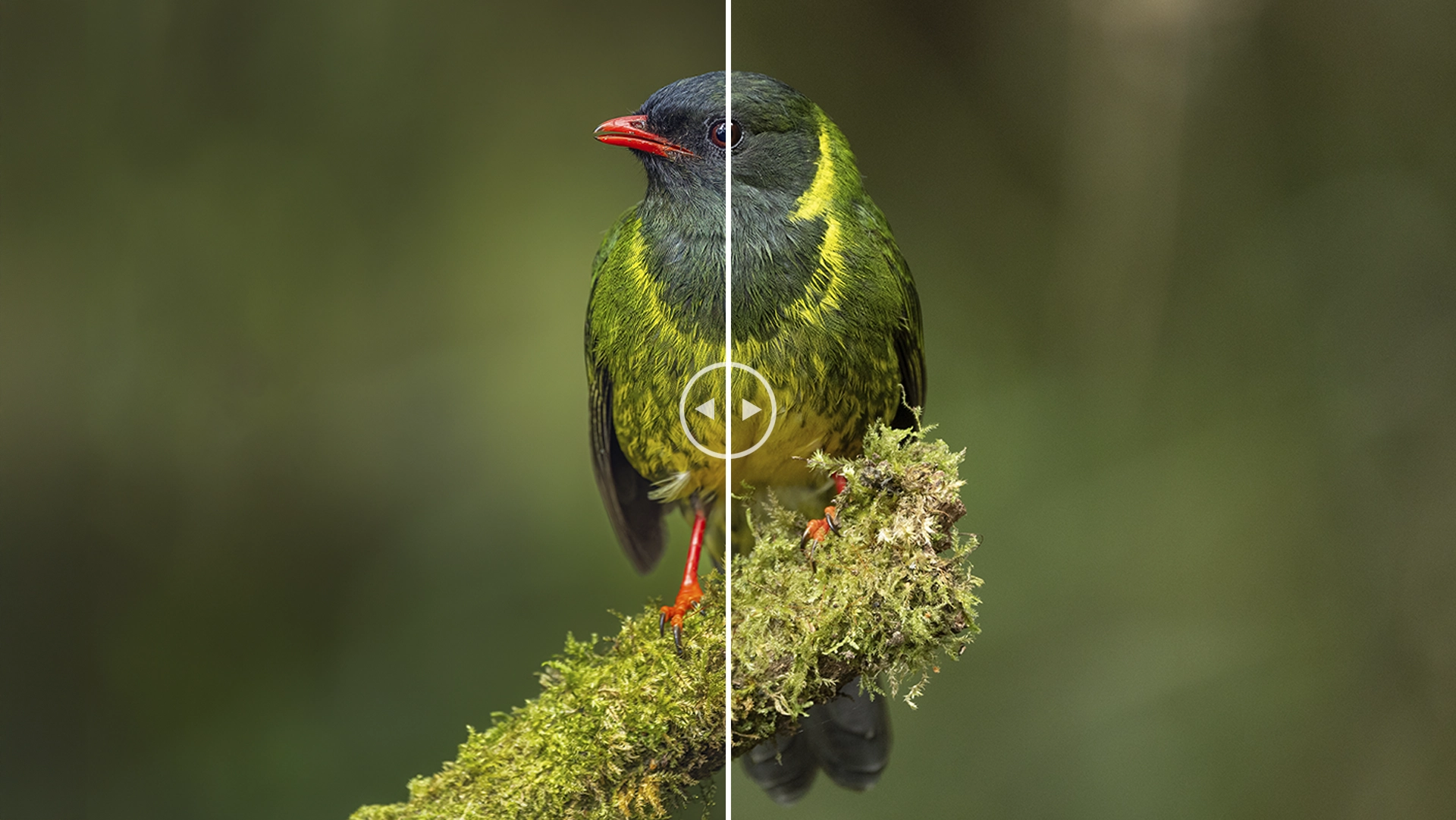
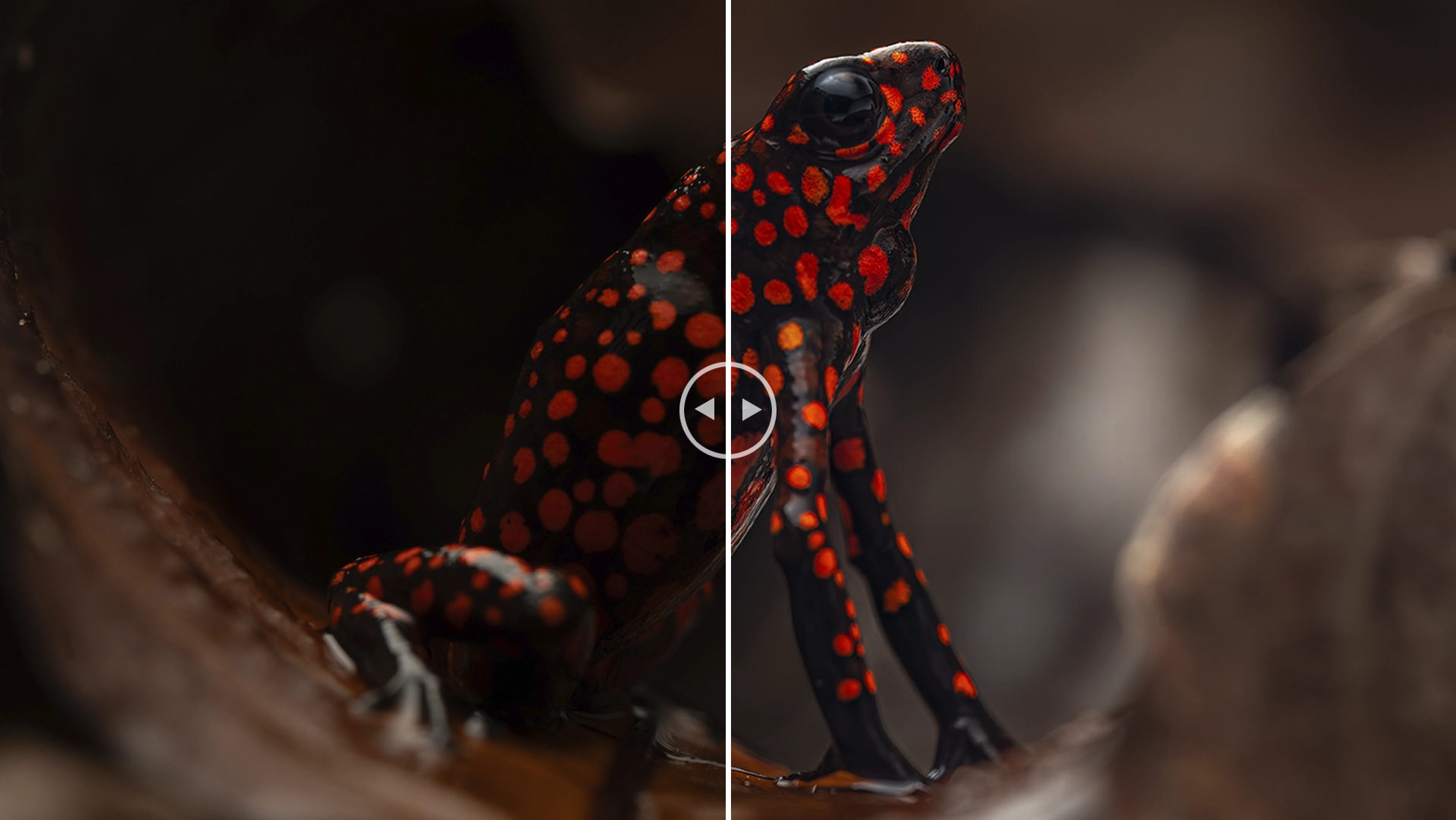
  •  Master essential and advanced editing techniques in Lightroom, designed specifically to elevate your nature and wildlife photography.
  • Accelerate your editing workflow through a practical, one-day intensive experience guided by a professional nature photographer.
  • Refine your ability to organize, edit, and enhance your images to achieve consistent, high-quality, professional results.
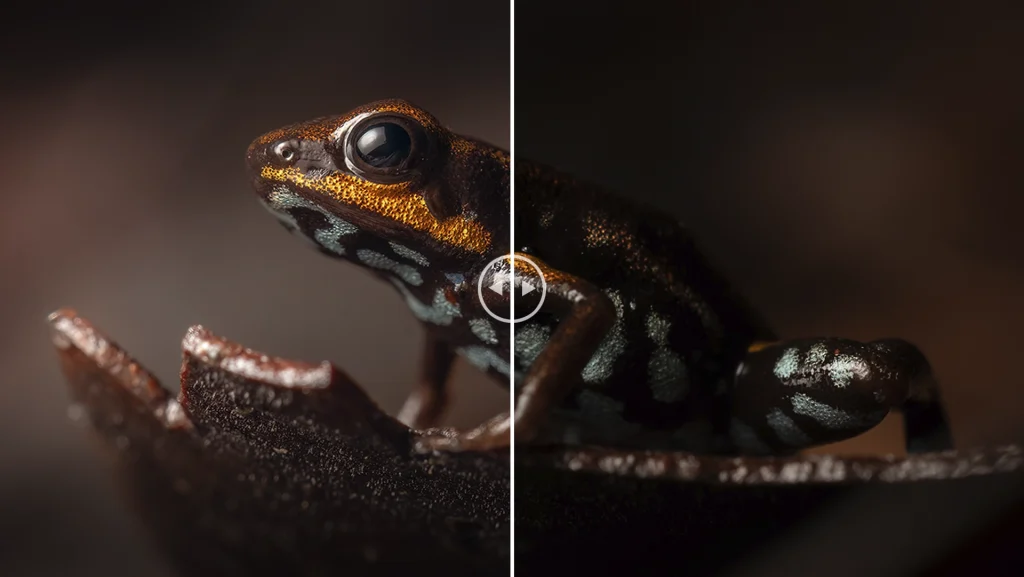
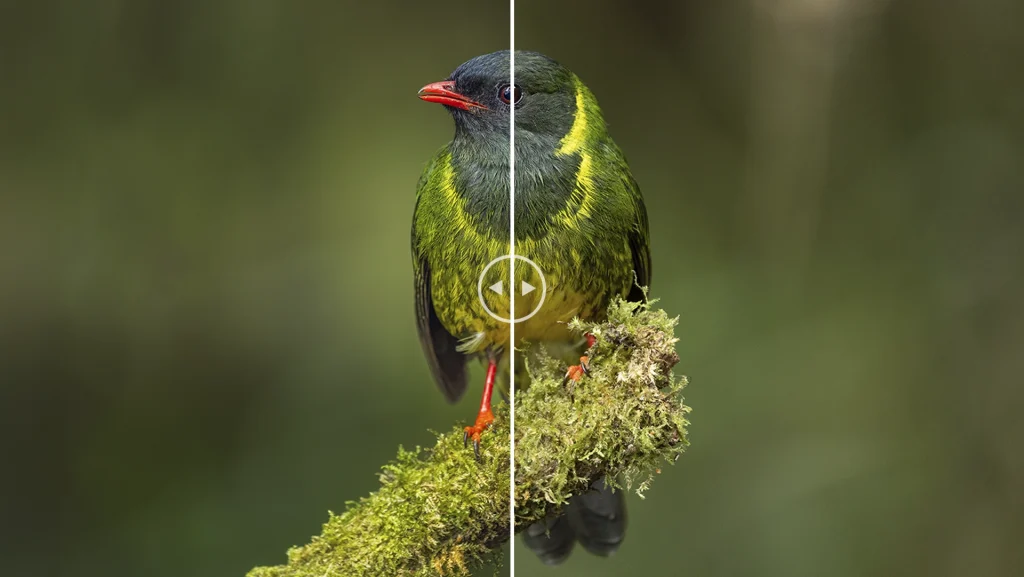
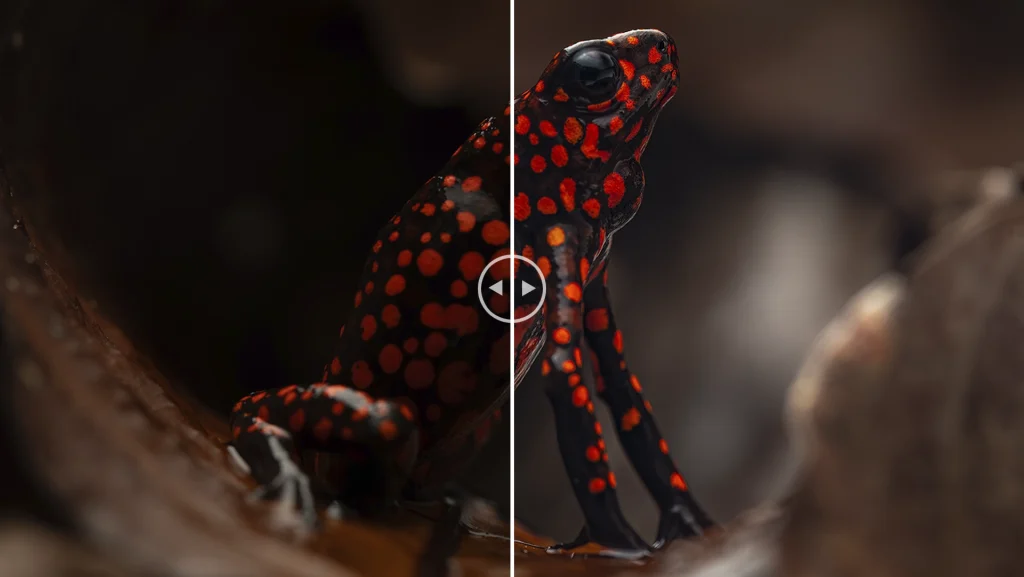
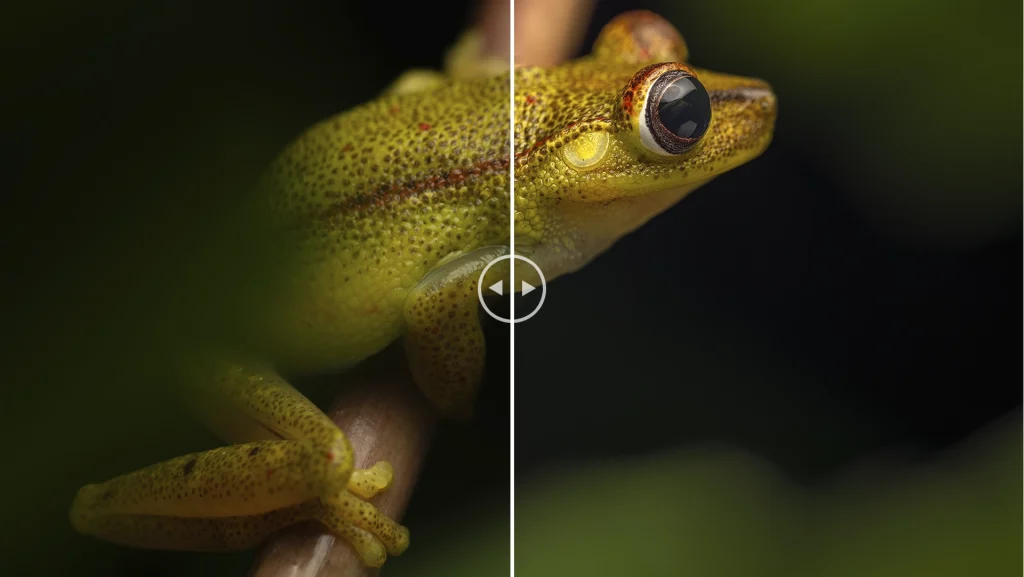
  • Learn to bring out the true potential of your RAW files, enhancing color, contrast, detail, and mood with precision and intention.
  • Develop a storytelling approach through editing, using light, color, and selective adjustments to guide emotion and narrative in every image.
  • Practice with real examples and receive personalized feedback, ensuring that each technique becomes part of your day-to-day editing toolkit.
  • Connect with fellow photographers in a collaborative, creative workspace, sharing ideas and insights that strengthen your artistic vision.
  • Image Organization and Workflow Setup | Import a complete folder of RAW files, create a structured catalog, apply keywords, and use flags/star ratings to select your strongest images with a fast and efficient workflow.
  • Fundamentals of Editing: Light, Color & Detail | Edit a single image from start to finish by adjusting exposure, white balance, contrast, texture, clarity, and color balance—aiming to achieve a clean, natural, high-impact result.
  • Creative Editing with Masks and Local Adjustments | Use the Masking tools (Brush, Radial, Linear, Color/Edge selections) to highlight the subject, enhance depth, and guide visual storytelling through selective lighting and color adjustments.
  • Color Grading for Mood and Atmosphere | Apply Color Grading to shape emotional tone, experimenting with warm/cool palettes, cinematic tones, and subtle shifts to enhance the narrative of the image.
  • Consistency & Presets | Create your own preset based on your editing style, then apply it to a series of photos to practice batch editing and visual consistency across a photo collection.
  • Exporting for Web, Social Media & Print | Export edited images in optimized formats (resolution, sharpening, color space) for different outputs such as Instagram, website galleries, or high-quality prints.

Editing & Post-Processing

  • Laptop with Adobe Lightroom installed. A reliable laptop is essential for the hands-on editing sessions. Make sure you have the latest version of Lightroom Classic installed and fully functional before the workshop begins. This will be the core tool we’ll use to organize, edit, and export your images.
  • External Hard Drive or SSD (optional but recommended). Useful for backing up your RAW files, managing large catalogs, and ensuring a fast, efficient editing workflow during the workshop.
  • Power Adapter and Power Strip. Bring your charger and, if possible, a small power strip or multi-adapter. Coworking outlets can be limited, and we’ll be working for several hours.
  • Mouse or Tablet (optional). A mouse or editing tablet (like a Wacom) can greatly improve precision and comfort during detailed editing work.

Photography Files

  • RAW files from your own shoots. Bring a selection of images you want to edit—preferably RAW files from nature or wildlife photography. We’ll use your own work for practical exercises, ensuring that every lesson applies directly to your style and goals.
  • Backup images on a USB or cloud storage. In case your primary storage fails or you want to practice multiple workflows.

Comfort & Workspace Essentials

  • Notebook and Pen (optional). Useful for taking notes during technique explanations, shortcuts, or workflow strategies you want to remember.
  • Headphones (optional). If you prefer focusing during editing exercises or revisiting video demonstrations provided later.

Even in the heart of the city, nature remains at the center of your creative process. This workshop brings the essence of the field into a focused, inspiring workspace where your images become the bridge between experience and expression. Here, editing is not just post-processing, it’s a quiet conversation with the moments you captured outdoors: the light, the textures, the colors, and the life behind every frame.

Throughout the day, you’ll be part of a small community of photographers who share the same passion for nature and storytelling. Ideas flow naturally, questions spark new perspectives, and each break becomes an opportunity to exchange experiences, inspiration, and creative energy.

Inside the coworking space, free from distractions and surrounded by a supportive environment, you’ll rediscover the joy of slowing down and refining your craft. Each exercise, each edit, and each conversation helps you reconnect with the reason you photograph in the first place: to observe, to feel, and to translate the rhythms of nature into visual narratives.

This workshop is more than a technical training, it’s an invitation to reconnect with your creative flow, to refine your artistic voice, and to celebrate the power of community in a space designed to help you grow, focus, and create with intention.

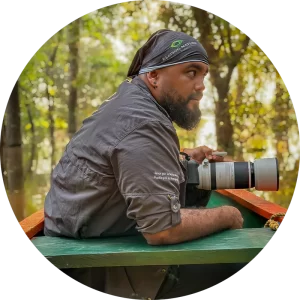
Jhonattan is an expert in wildlife photography, he has captured with his lens the most amazing species of birds and herpets.

 Jhonattan Vanegas

Biologist, Herpetologist, and Nature Photographer

One of the best amphibian, reptile and wildlife photographers in Colombia. He leads workshops and photographic tours. He is a biologist and expert in macro-photography, full-time nature photographer and leading tour guide in Colombia.He has published 14 scientific articles contributing to the knowledge and conservation of various species in Colombia. His photographic work has taken him to explore every corner of the country. His photos have been featured in magazines such as Enfoque Visual, RowZine, and the Catalog of Amphibians and Reptiles of Colombia, among others. He won the environmental advocacy category in the Agenda del Mar photography competition (2022). He uses photography and biology as tools to promote conservation through various initiatives, contributing to a deeper understanding of species’ behaviors and their interactions with ecosystems. These two passions have allowed him to offer a unique perspective on the hidden and unknown world beneath the mysterious landscapes of Colombia’s mountains and plains, aiming to create a bridge between memory and nature.

Itinerary – One-Day Lightroom Intensive (1:00 PM – 8:00 PM)

Afternoon Session (1:00 PM – 4:30 PM)

  • Welcome & Workshop Introduction (1:00 – 1:20 PM)
    • Instructor and participant introductions.
    • Overview of workshop goals and structure.
    • Workspace setup and equipment check (Lightroom, catalogs, RAW files).
  • Image Organization & Catalog Management (1:20 – 2:10 PM)
    • Importing photos and creating a clean, functional catalog.
    • Using keywords, flags, and star ratings to select your strongest images.
    • Strategies for building an efficient and organized workflow.
  • Fundamentals of Editing: Light, Tone & Color (2:10 – 4:30 PM)
    • Basic panel essentials: exposure, contrast, highlights, shadows, whites & blacks.
    • Texture, clarity, and dehaze: enhancing detail and definition.
    • Introduction to color: white balance, HSL, vibrance, and saturation.
    • Practical exercise: full edit of an image from start to finish.

Short Break (4:30 PM – 4:45 PM). A brief pause to stretch and refresh.

Evening Session (4:45 PM – 8:00 PM)

  • Advanced Editing: Masks, Local Adjustments & Creative Control (4:45 – 6:15 PM)
    • Advanced Masking tools: radial, linear, brush, subject, and color select.
    • Selective lighting techniques to guide viewer attention.
    • Local adjustments for depth, separation of planes, and subject emphasis.
    • Guided practice using your own images or samples provided.
  • Color Grading & Narrative Editing (6:15 – 7:15 PM)
    • Building atmosphere through warm/cool tones and cinematic palettes.
    • Using color intentionally to shape emotion and storytelling.
    • Practical exercise to develop your editing style.
  • Exporting, Presets & Final Workflow (7:15 – 8:00 PM)
    • Creating custom presets for consistent visual style.
    • Export settings for web, social media, and print.
    • Final workflow recommendations and file management.
    • Q&A and workshop closing.

OUR WORKSHOP INCLUDES:

  • Access to a fully equipped coworking space. A comfortable, quiet, and creative environment ideal for an intensive day of digital editing.
  • 8-hour Lightroom Masterclass. A complete hands-on training focused on workflow, organization, editing, color, detail, masking, and export techniques.
  • Guided editing exercises. Practical, step-by-step activities designed to apply each lesson directly to your own images.
  • Personalized feedback. Individual guidance throughout the workshop to refine your edits and strengthen your visual style.
  • Digital resources and learning materials. Guides, reference files, and post-workshop resources to continue practicing and improving your editing skills.
  • Snacks and hydration. Light refreshments to keep you energized and focused throughout the day.
  • Certificate of participation. A digital certificate acknowledging your completion of the workshop.
  • Medical assistance insurance for the duration of the workshop.


OUR WORKSHOP DOES NOT INCLUDE:

  • Transportation to the coworking location. Participants are responsible for their travel to and from the venue in Cali.
  • Meals beyond the provided snacks. Lunch or additional food items are not included unless otherwise specified.
  • Computer or editing equipment. Participants must bring their own laptop with Lightroom installed, along with any accessories they wish to use.
  • Accommodation. This is a one-day workshop and does not include lodging.
  • Expenses not mentioned above. Personal purchases or optional services at the coworking.

We will enter an immersive editing experience designed to strengthen your workflow, refine your eye, and help you bring your images to life with clarity and intention. To make the most of this workshop, here are some recommendations to help you prepare your equipment and ensure a smooth, comfortable day of learning.

  • Follow instructions. The most important guideline throughout the workshop is to listen carefully to all instructions provided by the instructor and the coworking staff. This ensures a safe, organized, and productive learning environment for everyone.
  • Prepare your equipment in advance. Make sure your laptop is fully updated, with Lightroom Classic installed and functioning correctly. Test the software before the workshop, verify that your catalogs open without issues, and ensure your RAW files are accessible. This will help you avoid technical delays during the hands-on exercises.
  • Know the basics. You should have a basic understanding of how your camera works (exposure, ISO, aperture), even though the focus is on editing. Understanding how your images were captured will help you edit them more effectively. If you feel unfamiliar with these concepts, we recommend taking an introductory photography session before the workshop.
  • Keep your files organized and backed up. Bring your RAW files both on your computer and on a backup device such as an external hard drive, SSD, or cloud storage. This ensures you can work comfortably and prevents unexpected file loss during the workshop.
  • Stay comfortable during the day. We’ll be working for several hours in an indoor environment, so bring what you need to feel comfortable—layered clothing, water, snacks, or anything you might need to stay focused and energized.
  • Take care of your belongings. Coworking spaces are generally safe, but always keep an eye on your personal items such as laptops, cameras, hard drives, and bags. Make sure everything stays close to you at all times.
  • Arrive early and settle in. Give yourself time to find the coworking, settle into your workstation, connect to power outlets, and check that everything is working smoothly before the workshop begins. A calm start sets the tone for a productive day.

Nature Tour Gallery

keeeping is passion for nature, love for photography.

SERVICES INCLUDED

Complete Feeding

Hydration

Photography Lessons

Snacks

Souvenir

Health Insurance

Do you have any doubts?

Select where you want us to talk

We will be happy to talk to you and clarify all your doubts about your next photographic experience, select one of our customer service lines, we will answer you as soon as possible.

DATE AND DETAILS OF THE PHOTO TOUR

  • Location: Cali (Valle del Cauca)
  • Date: 02 | May | 2026
  • Duration: 1 Day
  • Starting location: Cali (Valle del Cauca)
  • End Location: Cali (Valle del Cauca)
  • Starting time: 13:00 h
  • End time: 20:00 h
  • Level of Physical Demand: Level 1 – Easy and Relaxed
  • Group Size: 10 people
  • How to Get There: To reach Cali, you can travel by air or land. By air, fly to Alfonso Bonilla Aragón International Airport (CLO), located in Palmira, about 25–30 minutes from Cali. From the airport, you can take an authorized taxi, a ride-hailing service, or an airport shuttle directly into the city. By land, you can take a direct bus to Cali’s Main Bus Terminal from major cities such as Bogotá, Medellín, Armenia, Pereira, or Popayán. Travel times vary from 3 to 11 hours depending on the origin. For greater comfort and flexibility, private transportation and intercity shuttle services are also available.

Want to Know the Physical Demands of Our Tours?

Each adventure is unique and so is its level of difficulty. Visit our blog to learn how we classify the physical intensity of our tours and find the one that’s right for you.

VALUE OF YOUR NEXT TRIP

CHOOSE YOUR CURRENCY ON THE RIGHT

$ 190

Select your currency
USD United States (US) dollar